

Creating a new scenario test case
Archived
1 Tarea
10 minutos
Principiante
DevOps
Inglés
Escenario
GoGoRoad wants to create a standard scenario test to automate testing for the Assistance Request case type. Create an automated test for the Submit request process to ensure that the user interface and end-to-end process flow function correctly.
The following table provides the credentials you need to complete the challenge.
| Role | User name | Password |
|---|---|---|
| Application Developer | tester@gogoroad | pega123! |
Nota: Your practice environment may support the completion of multiple challenges. As a result, the configuration shown in the challenge walkthrough may not match your environment exactly.
Recorrido del Reto
Tareas detalladas
1 Record a new scenario test case
- In the header of Dev Studio, click Launch Portal > User Portal to open a new browser tab or window with the user view of the GoGoRoad application.
- In the lower right of the screen, click the Runtime toolbar icon, and then click the Automation Recorder icon to open the Scenario tests pane.
-
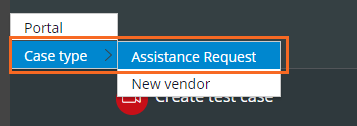
In the Scenario tests pane, click to begin recording your actions on a case type.
-
In the Create view, in the How can we help you today? drop-down, select My vehicle has a flat tire.
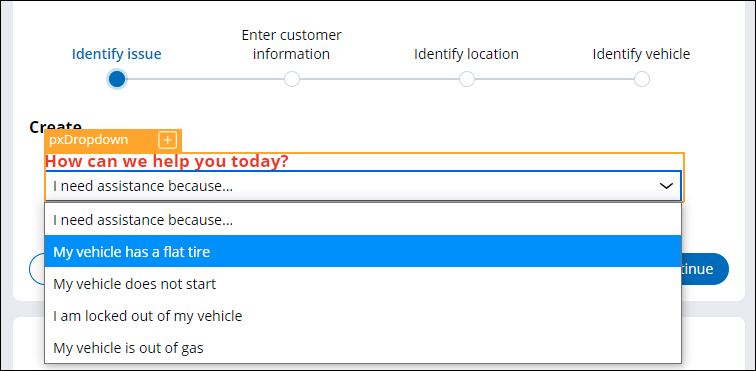 Nota: An orange border is displayed around all objects you interact with to indicate that the Automation Recorder tool is recording the actions you take in this scenario. In the contextual pane, the actions you perform are recorded in the order in which you perform them.
 -
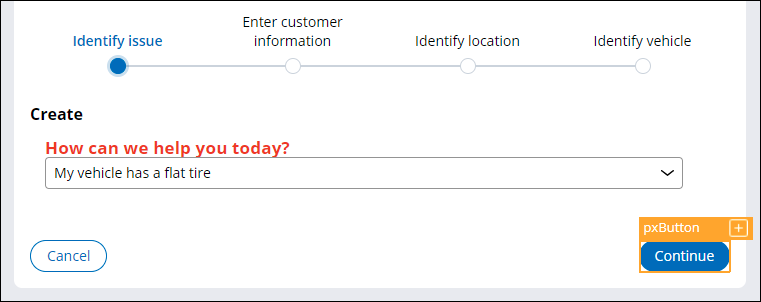
Click Continue to advance to the Enter customer information form.
- In the Enter customer information form, in the Account ID drop-down list, select [email protected].
-
Click .
- Complete all fields on the Identify location and Identify vehicle forms.
- In the Scenario tests pane, click to stop recording your actions.
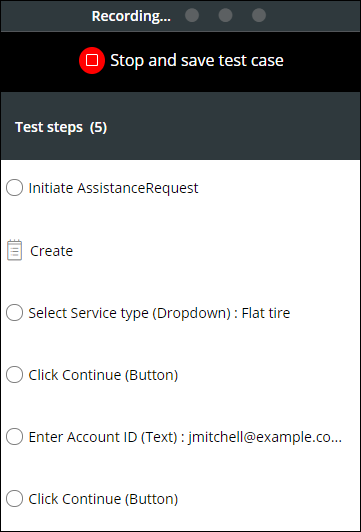
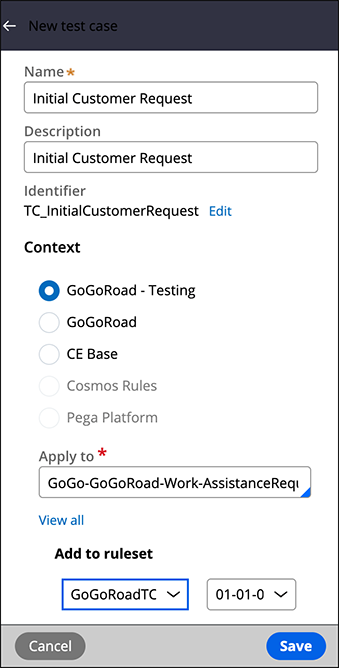
- In the New test case pane, enter or verify the following information:
Field or drop-down Value Name Initial Customer Request Description Initial Customer Request Apply to GoGo-GoGoRoad-Work-AssistanceRequest Add to ruleset GoGoRoadTC:01-01-01 -
Click to save the new scenario test case.
- In the lower-left corner, click the Operator icon > Log off to log out of the User Portal and return to Dev Studio.